

PLA parts do not fit? Test a small section before reprinting
Posted by HARP 3D Tech on Mar 13th 2024
The box is finished. The lid is finished. Their relationship is not working out. When two PLA parts refuse to fit, printing the whole project again usually gives you a larger collection of the same problem. Test the joint itself first.
Write down the failed fit
Does the lid catch at one corner, bind along both sides, or stop at the bottom edge? Measure the actual opening and the matching part with an appropriate tool. Keep the measurements and the printed samples together.
Check units before editing. An imported model in the wrong units can be far from its intended size. Also confirm that the project uses the correct printer and nozzle profile.
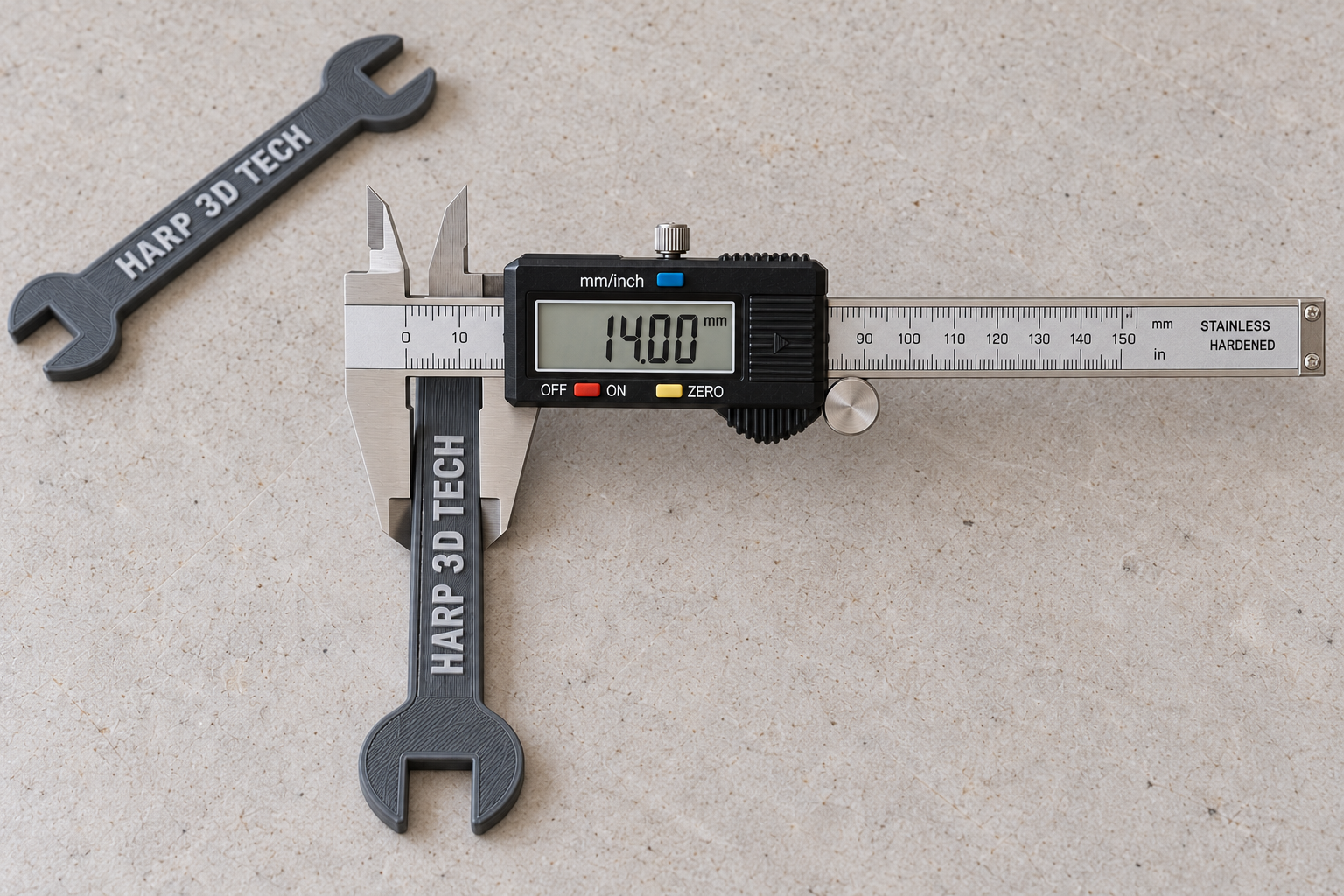
Print a fit sample
In the design file, make a short sample of the joining features. For a sliding lid, that could be a strip of the rail and a matching piece of the lid. Preserve their orientation and the relevant print settings so the test resembles the finished part.
Make a few labeled versions with small, deliberate clearance changes. There is no universal clearance that fits every geometry and printer. Record the value used for each sample, then choose the one that behaves as needed: sliding freely, locating snugly, or leaving room for assembly.
Separate design changes from flow calibration
If only one joint fails while the rest of the print looks consistent, start with that joint's geometry. If many parts also show rough top surfaces, excess material, or gaps, check the printer and extrusion setup before redesigning every model.
Flow calibration is a controlled adjustment to material delivery. Use the procedure for your slicer and printer, save the old profile, and change one value at a time. Prusa documents a visual extrusion-multiplier method, but its test assumptions should be checked before applying it to another setup.
Avoid changing the whole model by accident
Scaling an entire box to fix one tight lid also moves holes and changes other dimensions. Local clearance edits or a suitable slicer compensation setting may give you more control. Confirm the result in the preview, then repeat the small sample.
This workflow is for ordinary prototypes and organizers; it does not establish a load rating or qualify a safety-critical replacement part.
Reference: Prusa's extrusion-multiplier calibration guide. Start from HARP PLA+ print settings and save the final fit test with your project.